
Invoicing and Payment Reminders
Get paid without chasing, with invoices out the day the job is done and reminders that stop the moment the money lands.
In short
The invoice sent the day the work is done, reminded on your schedule, paid from a link, and left alone once paid.
- Invoiced on completion, from your books
- A pay link in every message
- Reminders in your words, on your schedule
- Stopped the moment the payment lands
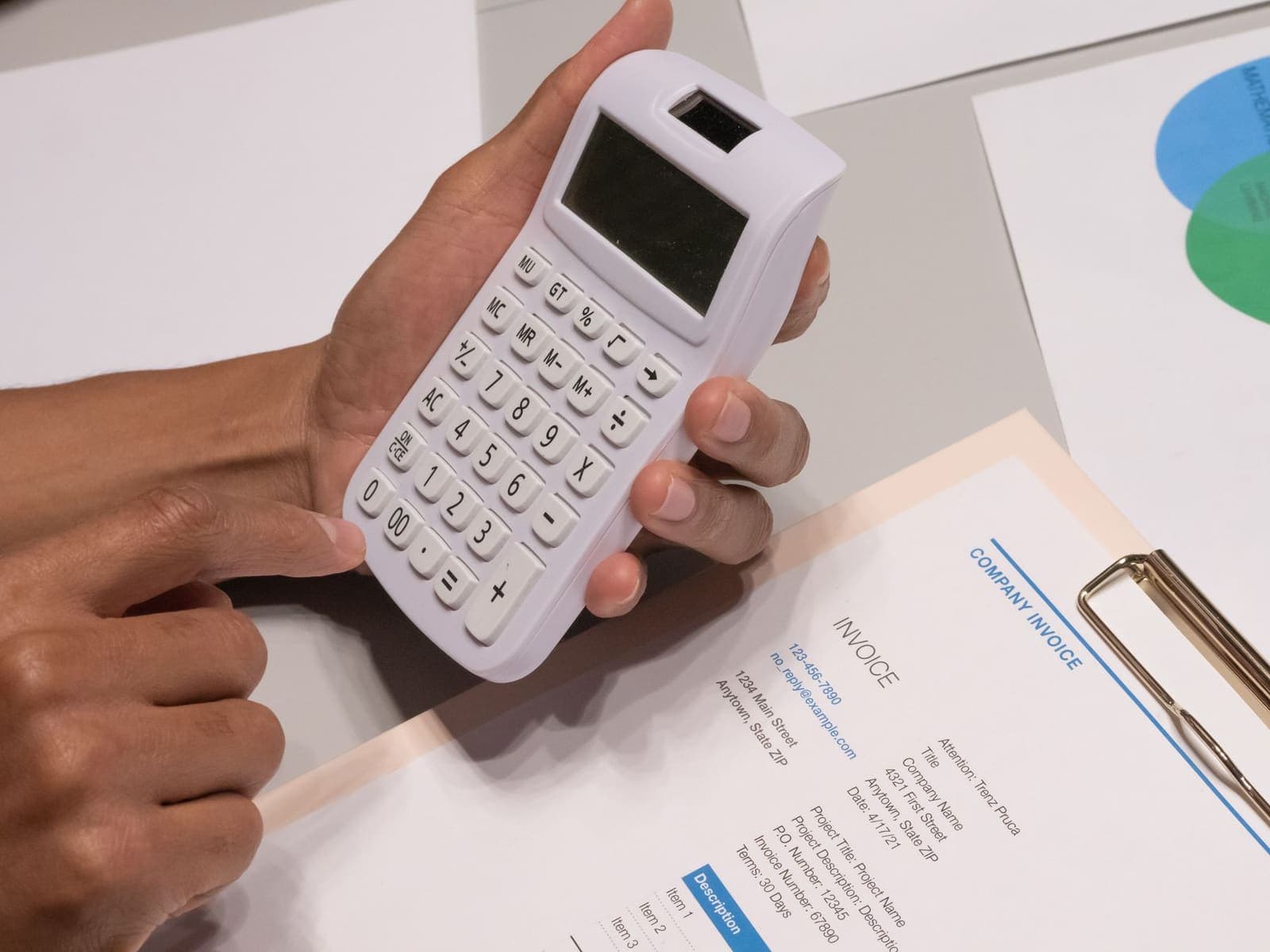
Why the chase is the job nobody does
The work is done. The money is thirty days behind it.
Nearly three in five small businesses now have an invoice more than thirty days overdue, up from under half a year earlier, and the average amount waiting to come in is $17,700. Most of it is not disputed. It is simply not being chased.
We build the chase into the systems you already run: the invoice out the day the job closes, a payment link in every message, reminders on your schedule and in your words, and the whole thing stopped the moment the payment lands. Past a date you set, a person takes over. Until then, nobody at your business has to remember.
Illustrative. The schedule, the wording and the terms are yours. The reminders stop the moment the payment lands, every time.
- 59%
- of small businesses have at least one invoice more than 30 days overdue, up from 47% a year earlier
- $17.7K
- sitting unpaid at the average small business
Intuit QuickBooks, Small Business Late Payments Report, 2026.
In the work
Invoice, remind, stop, report

The invoice on completion
The job marked done, the visit marked complete or the order marked shipped in your system triggers the invoice from your accounting software, the same day. Not Friday, not month end.
A link in every message
Pay by card or by bank transfer from the invoice, the reminder and the receipt. Every message a customer receives about money has the way to pay it inside.
Reminders on your schedule
Day seven, day fourteen, day twenty-one, or whatever you set, in your words, with the terms quoted. Friendly first, firmer later, never rude, never from a stranger.
Stopped the moment they pay
The payment lands, the reminders stop, the receipt goes out, the ledger updates. A reminder that arrives after the customer paid is how a business loses one.
Deposits and statements
A deposit link with the quote, progress invoices on a schedule, a monthly statement for the customers who prefer one. The same engine, different documents.
A report you can read
What is outstanding, how old it is, who pays late and who pays on the second reminder. One page a month, and the day you can see your cash flow rather than feel it.
Getting there
Map the trigger, write the schedule, connect, test, run
- 01
Map the trigger
What event in your systems means the work is done and the invoice is due. The job closed, the visit complete, the delivery scanned. It is different for every business and it is the whole foundation.
- 02
Write the schedule and the voice
When the reminders go and what they say, from the friendly one to the last one before a person takes over. Yours, so a customer never hears a tone you would not use.
- 03
Connect accounting and payments
Your accounting software and your payment processor, through their own integrations. Invoices come from the one, money goes to the other, and nothing passes through us.
- 04
Test on one month
The system runs beside your existing process for a month of invoices. What it would have sent, when, and what came in, before it takes over.
- 05
Run it
Monitored, repaired when a vendor changes an API, reported monthly. The schedule and the wording are adjusted from what the report shows.
Fitted work
What comes up here, specifically
The 20-day notice
Under Michigan's Construction Lien Act a subcontractor or supplier has 20 days from first furnishing to send the notice of furnishing, and the deadline is easy to lose on a busy job. The system reminds you of your own dates as they come up. It never files anything and nothing here is legal advice.
Seasonal cash flow
A landscaper or a snow removal contractor invoices a year's work in a season, and a slow payer in October is a problem in January. Invoices out the same day and reminders that do not wait for the office to catch up.
The insurer that pays slowly
A no-fault claim for a therapy clinic is not a customer to be reminded. It is a file to be tracked: submitted, acknowledged, queried, paid. The system tracks it as status and tells a person when a date has passed, rather than sending an adjuster a friendly text.
The deposit before the truck rolls
For a metro Detroit trade the deposit is the difference between a booking and a maybe. The deposit link goes out with the signed quote, and the job is scheduled when it is paid.
Right time when
When this is worth doing
A good fit
- Invoices go out at month end, or when someone remembers
- You know roughly what you are owed and not exactly
- Reminders are sent by hand, and only to the worst offenders
- Customers ask how to pay, or mail a cheque three weeks later
Not a fit
- You are paid at the counter, before the customer leaves
- You want a collections agency, which we are not
- Your accounting is a shoebox, in which case the books come first
Scope
What we do not build
Collections
Past a date you set, a person takes over. The system never threatens, never adds interest you did not set, and never hands a customer to a collector. It is the polite, consistent part of getting paid.
Touch the money
Payments go through your processor into your account. We build the messages and the links; we never hold, move or see a dollar.
Remind after payment
The stop is the point. A reminder sent to a customer who has already paid is the message that gets a business muted, and the system is built so it cannot send one.
Reasonable to ask
Before you commission it
Does it work with our accounting software?
It is built into the accounting and payment tools you already run, through their own integrations, so invoices still come from your books and money still lands in your account. We do not name vendors until we have connected one for a client; tell us what you use and we will tell you exactly how it connects.
What if a customer disputes an invoice?
The reminders stop for that invoice the moment anyone at your business marks it disputed, and a person takes the conversation. A system should never argue about money on your behalf.
Can it take deposits?
Yes. A deposit link goes out with the signed quote, and the job is created or scheduled when the deposit lands. Progress invoices on a schedule work the same way.
Will it annoy our customers?
Not if the schedule and the wording are yours, which they are. Most customers who pay late do so because the invoice slipped out of view, and a polite reminder with the link is a courtesy. The system also stops the moment they pay, which is the part manual reminders get wrong.
Is this a collections service?
No. It is the consistent, polite part of getting paid. Past a date you set, a person at your business takes over, and what happens next is your decision.
Tell us what you are owed.
The number, the accounting software you use, and how reminders happen today. We will tell you what the schedule would look like in your voice, where the invoice would fire from, and what the first month would likely bring in.
Talk to us