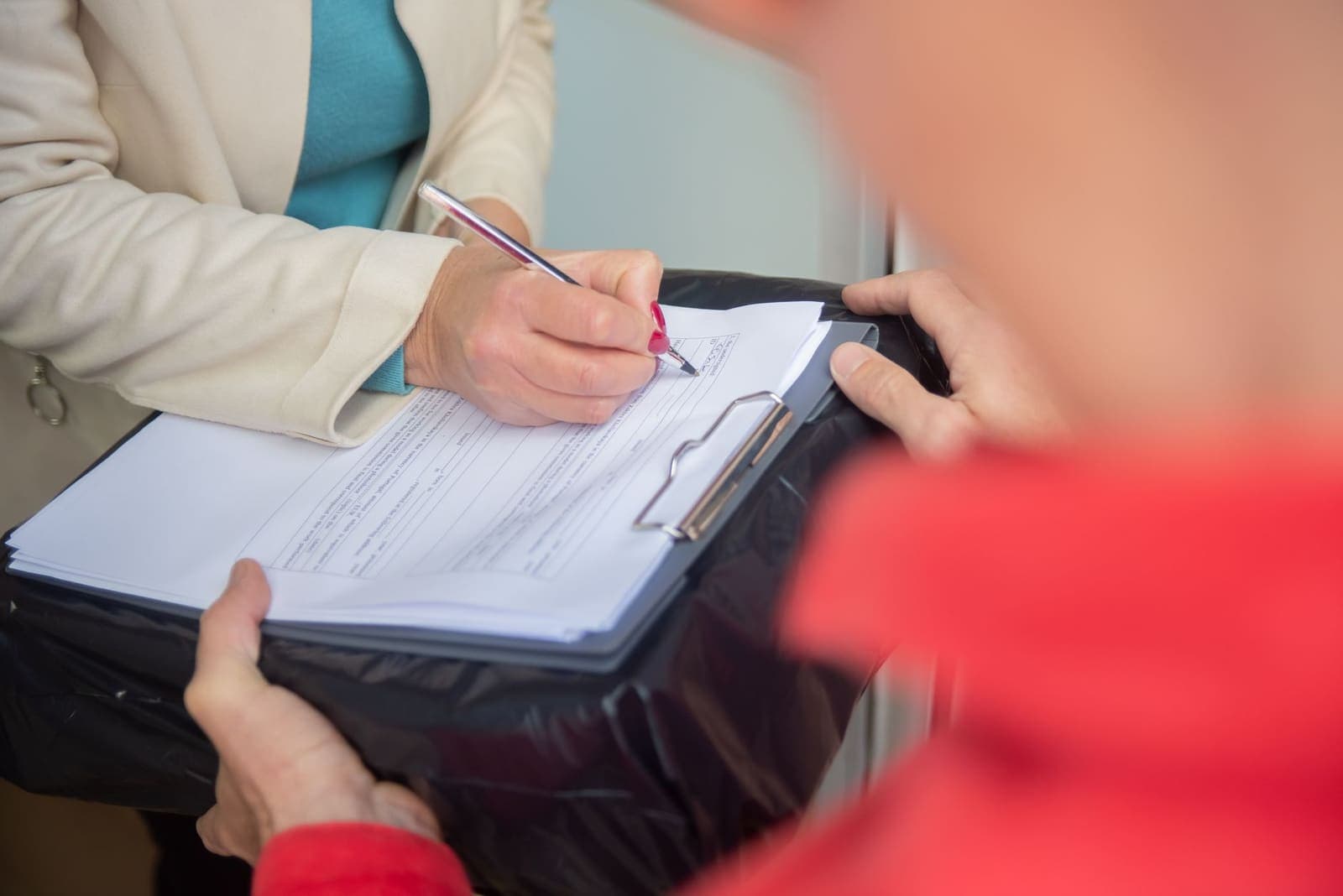
Google Business Profile posts with a phone number in them can now be removed or rejected. Google changed two help documents in late September 2026, as Search Engine Roundtable reported on September 25: its posts policy now says "we may remove posts with unverified contact information," including "phone numbers, email addresses, and social media handles." For a Michigan furnace, plumbing or roofing company typing "Fall tune-up special, call 248-..." into a post, the fix is simple. Take the number out of the text and attach the Call now button, which uses the verified number on the profile.
In short
- Google's posts policy now covers 3 kinds of unverified contact information: phone numbers, email addresses and social media handles (Google, 2026).
- A post marked Not approved does not show on Search or Maps at all (Google, 2026).
- Posts older than 6 months are archived unless a date range is set (Google, 2026).
- In 2025 Google blocked 79 million inaccurate or unverified profile edits and put posting restrictions on more than 782,000 accounts (Google, 2026).

What changed for phone numbers in Google Business Profile posts
Two help pages changed. The content policy for photos, videos and posts now has a section headed "Posts including contact information." It reads: "To avoid fraud or abuse, we may remove posts with unverified contact information. This includes phone numbers, email addresses, and social media handles." It then gives the alternative: "attach a Call now button to your post. This uses your verified Business Profile phone number so customers can contact you."
The page on creating posts now carries a matching warning: "Posts that include a phone number in the post description might get rejected if they cannot be verified as being connected to the business on which they are posted."
According to Search Engine Roundtable, the earlier policy simply said no phone numbers. The new wording is narrower in one way, because it is about numbers Google cannot verify, and wider in another, because it now names email addresses and social media handles too. The change was first spotted by Hiroko Imai and shared on LinkedIn.
Why this hits trades harder than most
A home service business often has more than one number. There is the main line on the profile, a tracking number from an ad campaign, the owner's cell, a separate line for emergency calls. Heating season is when those numbers end up in posts: a tune-up offer, a furnace safety reminder, "call before the first cold snap." Any number that is not the verified profile number is exactly what the new wording targets.
The cost of getting it wrong is not a warning. A post marked Not approved, in Google's words, "doesn't show on Search or Maps." The offer you wrote for October simply does not appear. Google is strict about this for a reason: its April 2026 report says that in 2025 it "blocked 79 million inaccurate or unverified edits to help keep Business Profiles factual" and "placed posting restrictions on more than 782,000 policy-violating accounts." Repeated rejections are not a good pattern for a profile to have.
How to fix your posts before heating season
- Check the status of every live post. Open your profile, go to Posts and look at each one. Google uses three statuses: Live, Pending and Not approved. For a post that was not approved, Google says "the question mark next to the status indicates which content policy the post violates."
- Take every phone number, email address and social handle out of the post text. That includes a number in a sign-off line ("Questions? Text us at...") and an Instagram handle at the end. If it is contact information and it is in the description, it is at risk.
- Attach the Call now button instead. It uses the verified profile number, the one Google has already connected to your business. On a phone, it is also one tap rather than a number someone has to copy.
- Add tracking numbers to the profile, not the post. If you measure calls by campaign, Google's posts page points to adding "additional phone numbers to your profile" through profile edits. A number on the profile is one Google can connect to the business; a number typed into a post is not.
- Post seasonal promotions as offers with dates. Google says posts older than 6 months are archived unless a date range is set. A fall tune-up offer with a start and end date comes down on its own when the offer ends, so nobody calls in January asking for October's price.
- Match the website. The number on your website, your profile and your Call now button should be the same main number. When they disagree, the customer has to guess, and so does Google.

The mistake most owners make at step 2
They move the number somewhere else in the post: into the photo, or spelled out in words so a filter might not catch it. The new policy is part of Google's content policy for photos, videos and posts, and its stated reason is "to avoid fraud or abuse." A workaround designed to hide a number from that check is the kind of thing the check exists to stop. Use the button.

Where we fit
Our Google Business Profile work keeps the profile's numbers, services and posts current, with call tracking set up on the listing itself rather than typed into posts, and posts written to Google's current rules. The profile needs other daily attention too: Google Business Profile suggested edits covers the window for changes other people propose, and Google Maps sign-in to see reviews covers what signed-out visitors no longer see. For the rest of what we build for trades, see our services.
Take the number out. Put the button in.